Driving range booking software
Driving range booking, bay by bay.
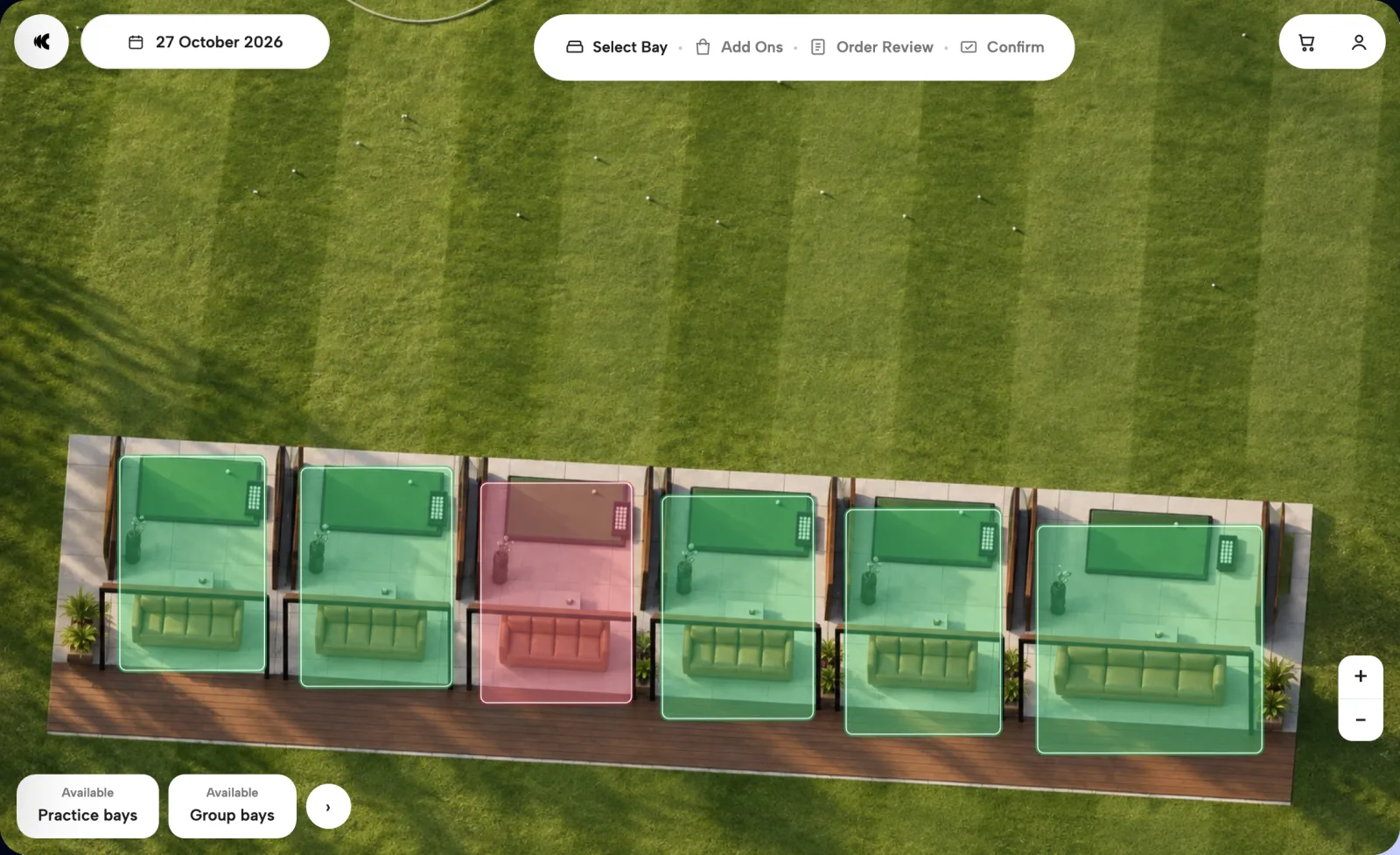
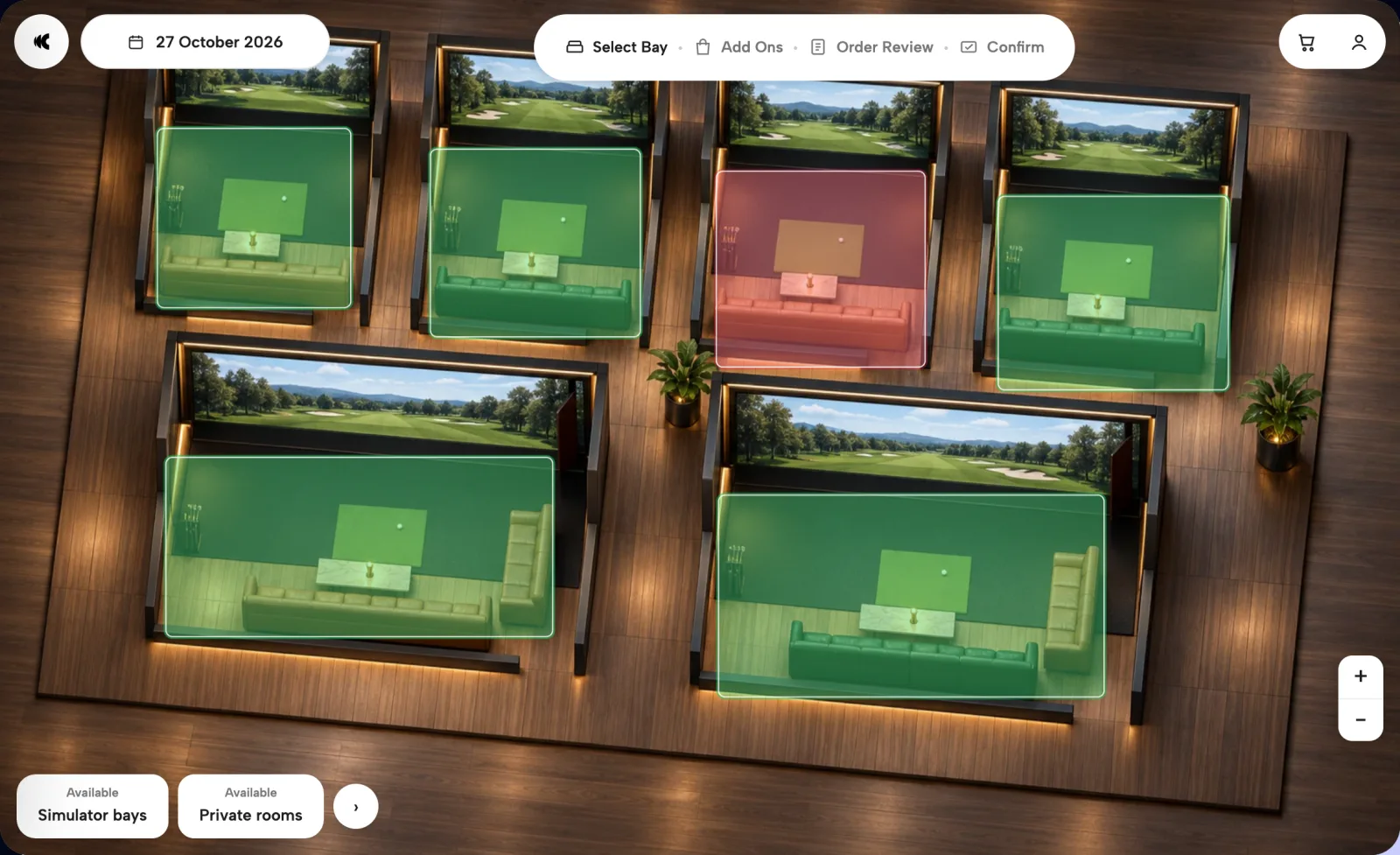
Guests choose the exact bay on a map of your range, add a group package and extras, and pay at checkout. On your own website, under your brand.
A focused walkthrough of your bays, packages and operating setup.
Explore 3D booking map- Exact bayChosen on your range map
- Group packagesAdded at booking
- Your brandYour domain, your guest data
Trusted by leading venues











The operating case
A solo practice hour and a twelve-person team night need different bays, and they spend differently. Clubtech puts every bay on a map of your range, with its capacity, packages and extras, so the group books the right bay and plans the visit before they arrive.
Bookings, payments and guest data run under your venue's brand and domain. We configure your bays, session times and pricing around how your range already operates.
Clubtech in numbers
The booking flow
From the bay map to a booked session
See how packages and add-ons work across the platform.
- 01Choose the bay
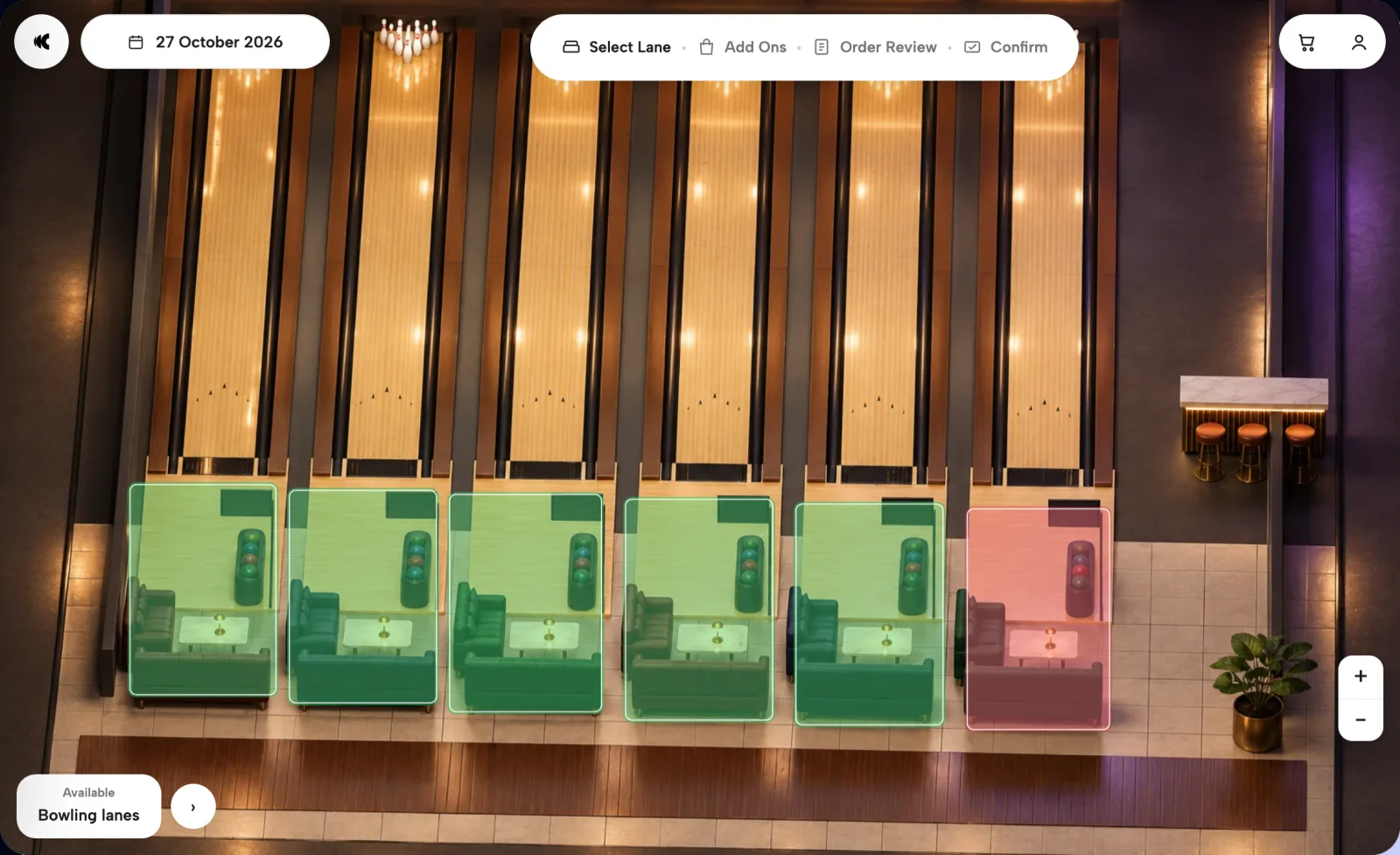
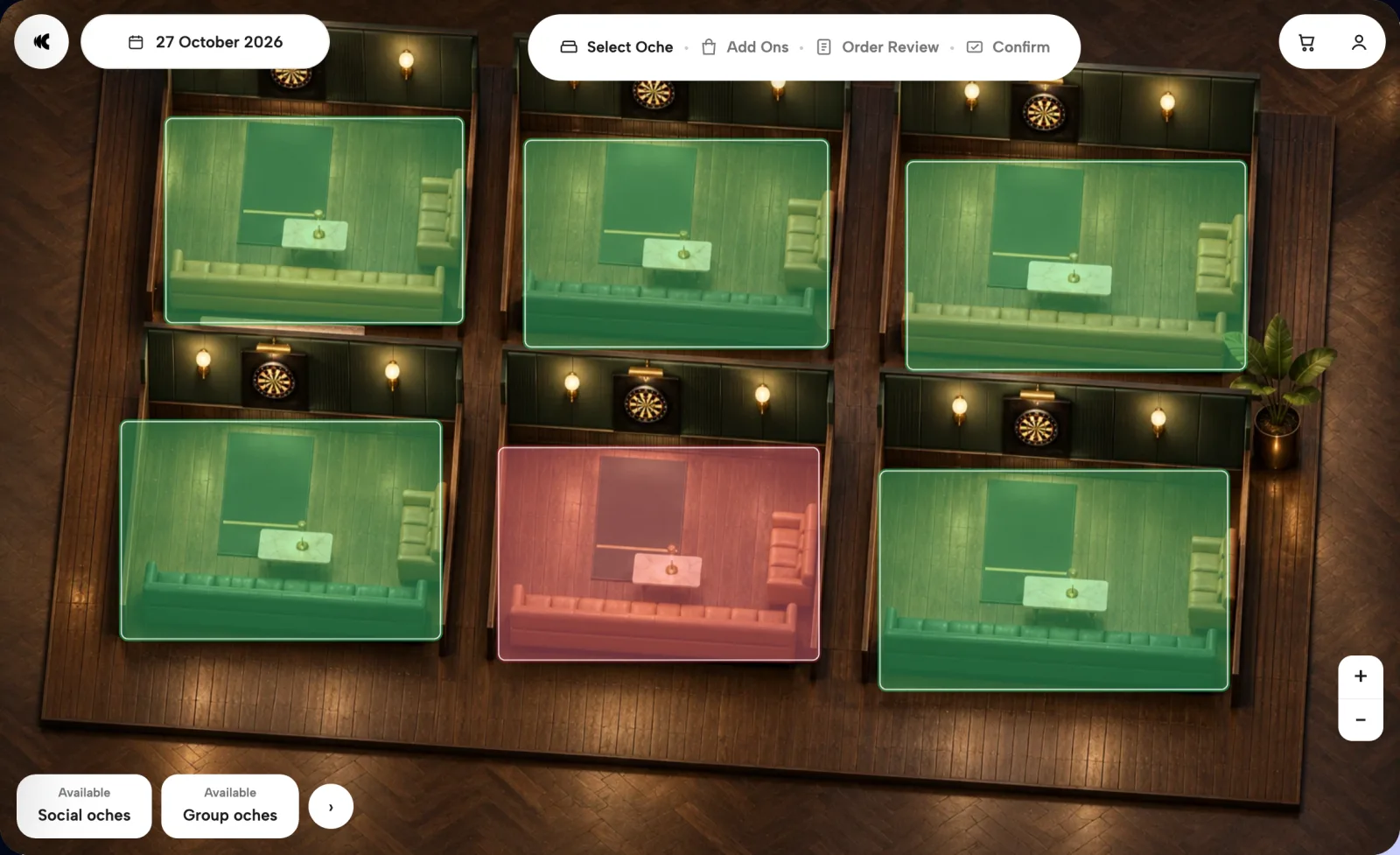
Every bay sits on your range map with its capacity, and a larger group can book more than one bay in the same booking.
01Choose the bay - 02Pick the package
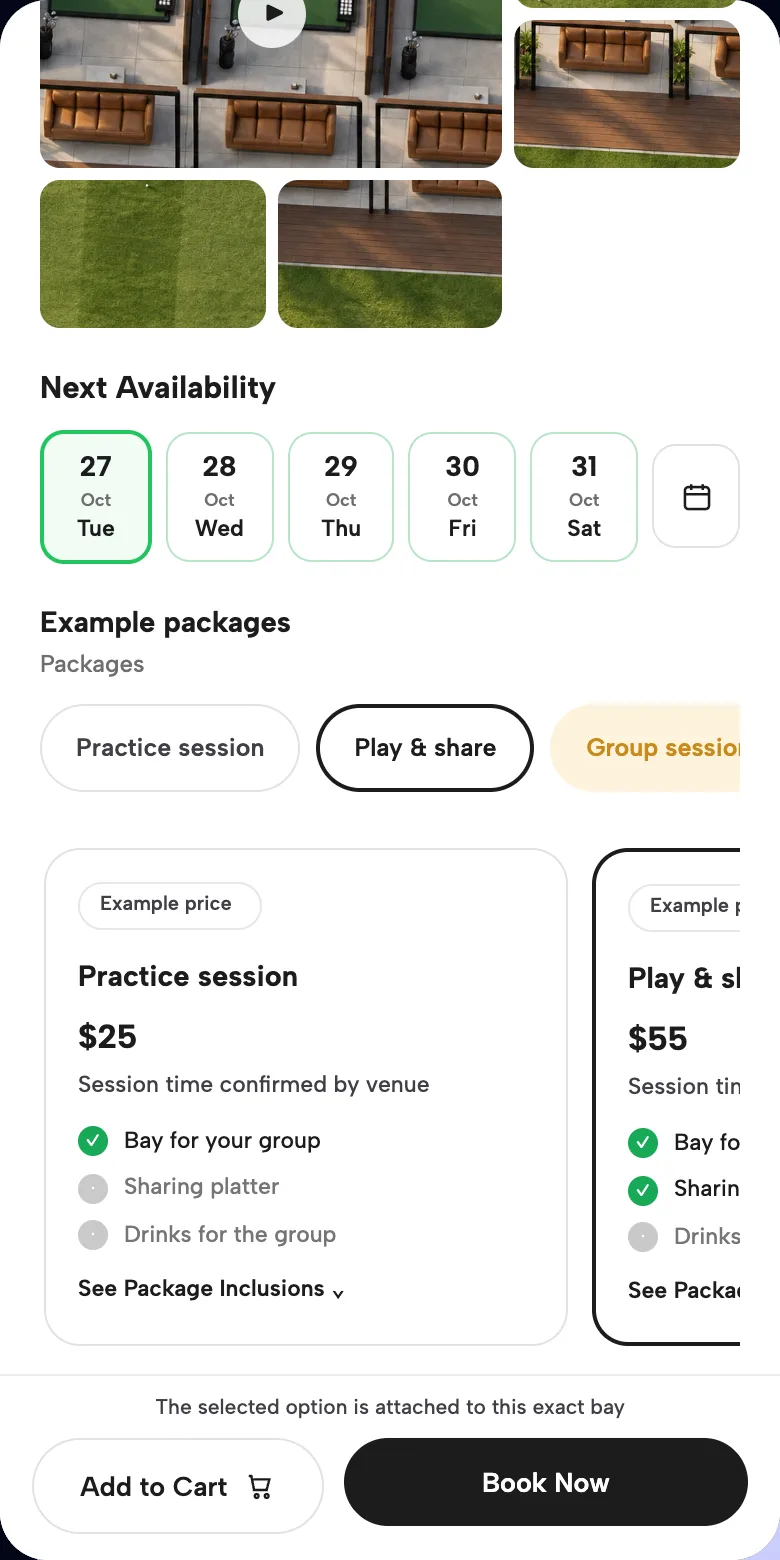
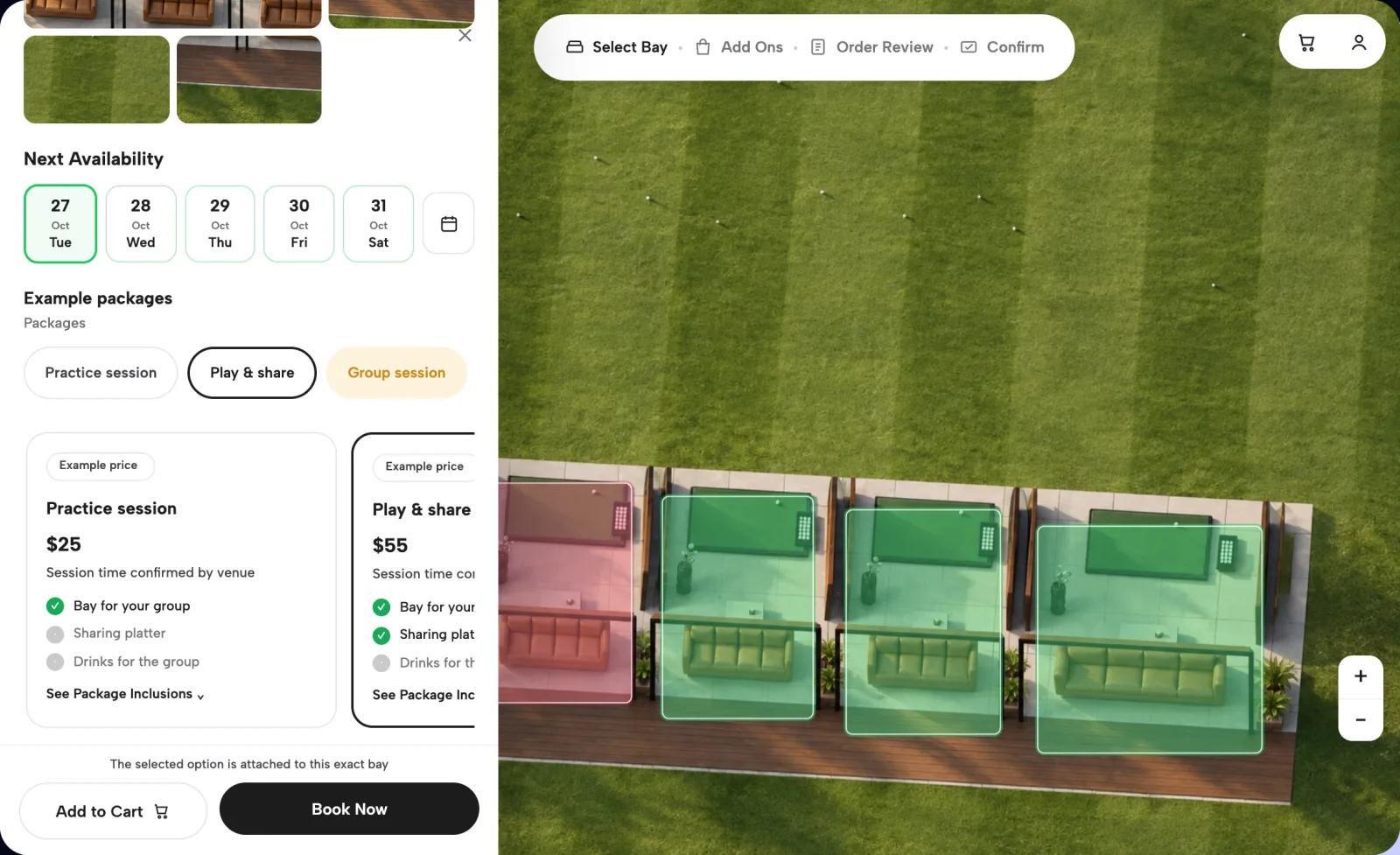
Practice only, food to share or a full group session. You set the inclusions and the price for each, and we configure your session times during setup.
02Pick the package - 03Add the extras
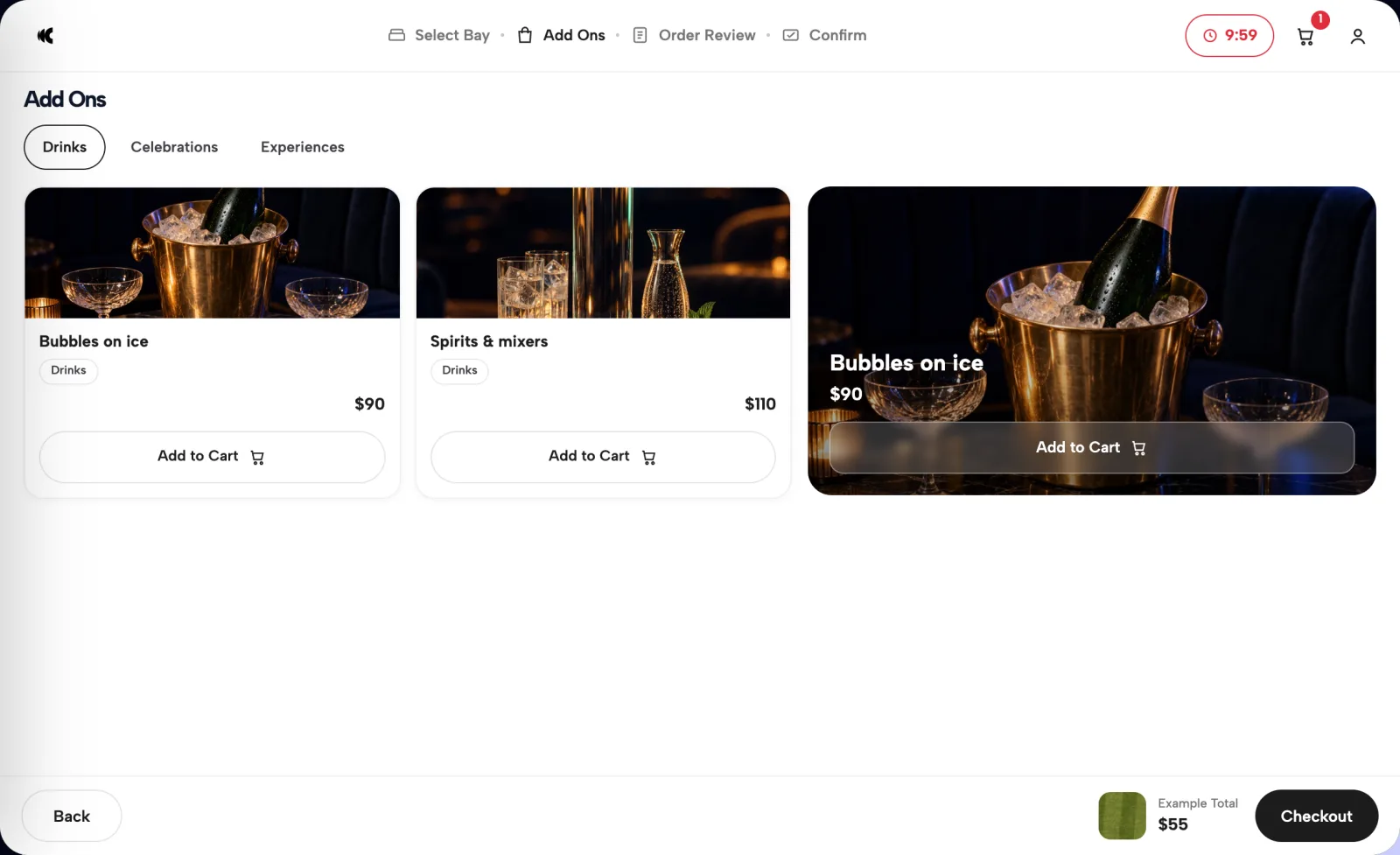
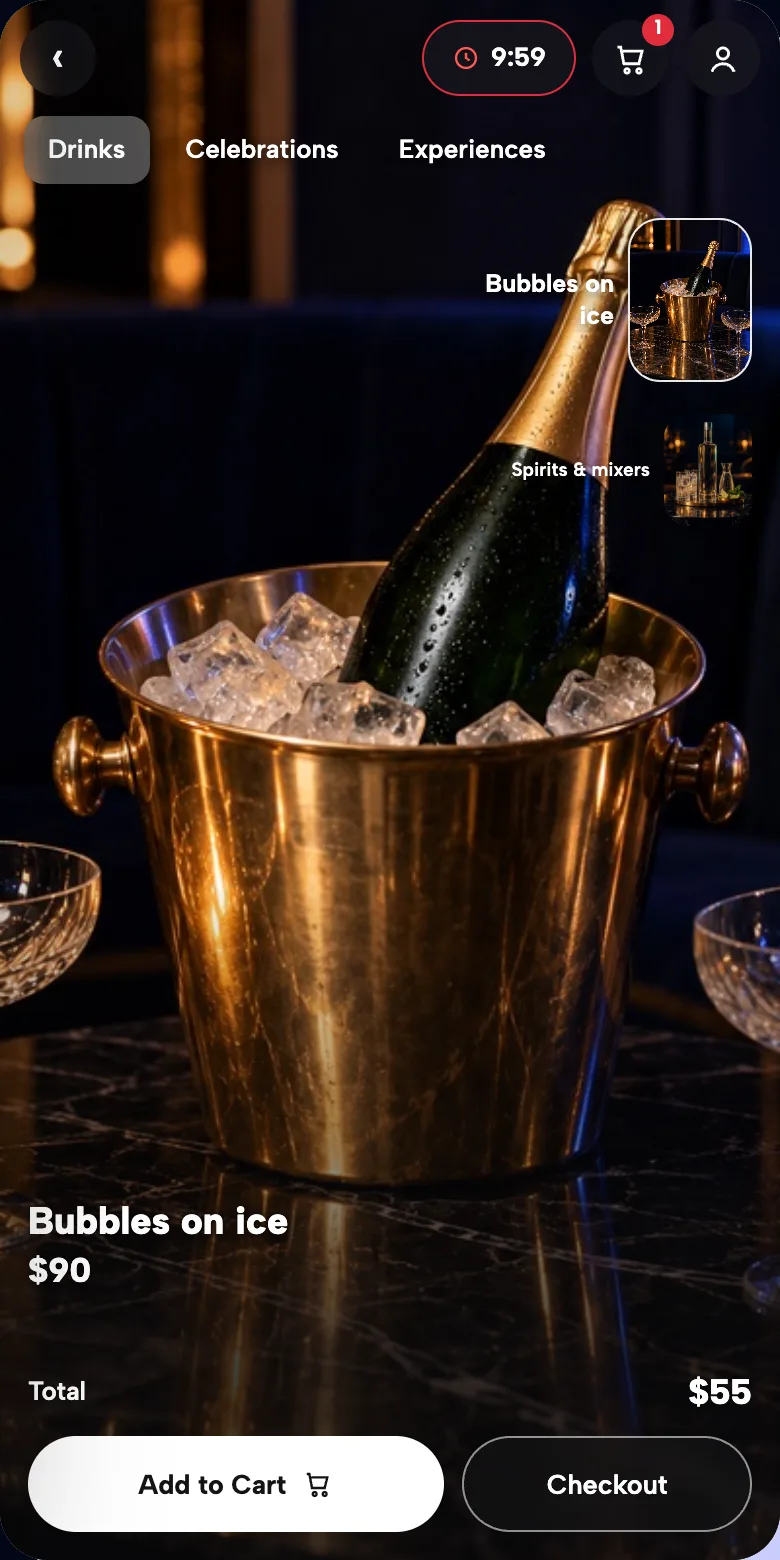
Drinks, food and add-ons go into the same booking, so your team sees the order before the group walks in.
03Add the extras - 04Review and pay
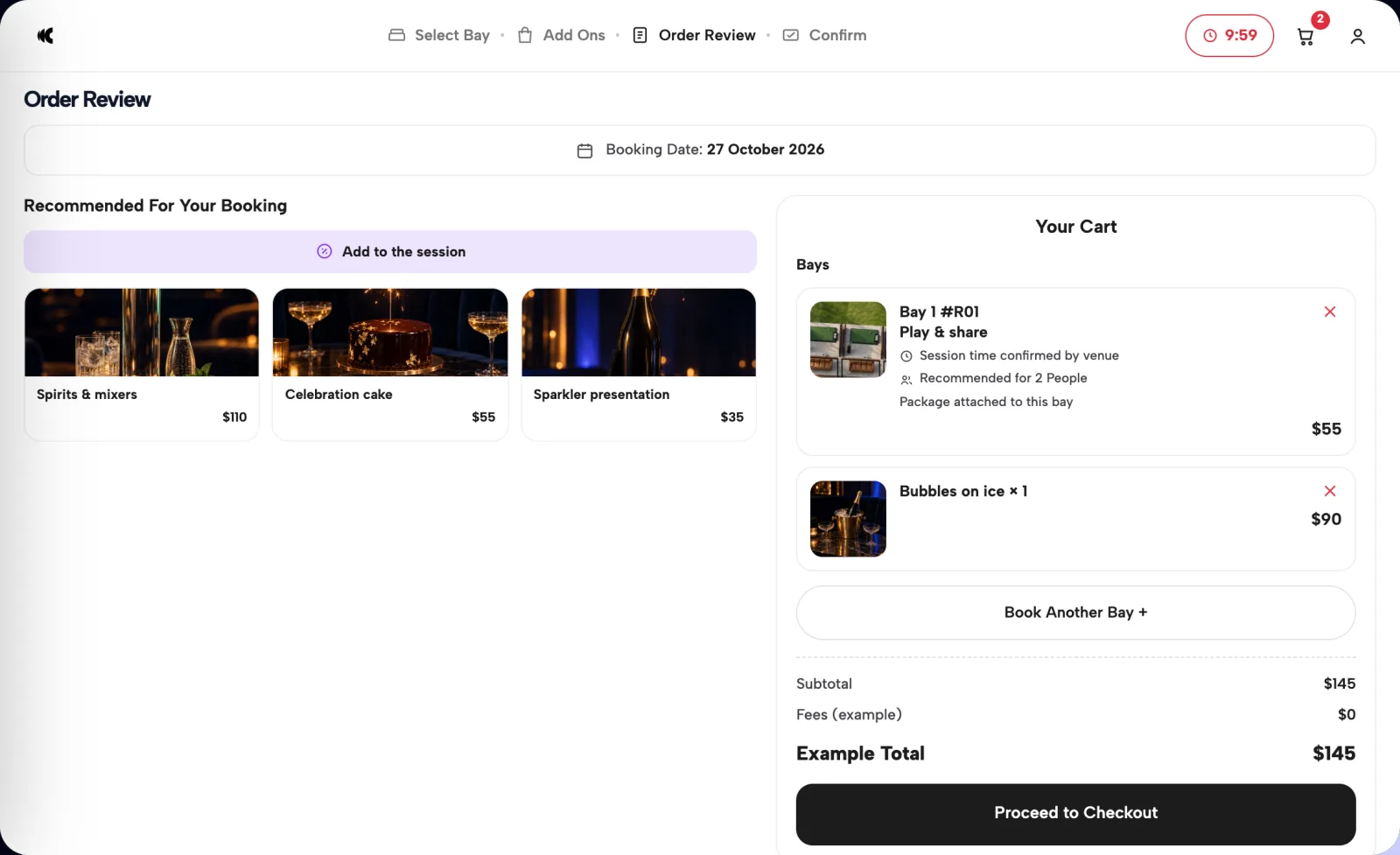
The booker checks the bay, package and extras on one screen, then pays at checkout.
04Review and pay


The real product
Book a bay in the demo venue.
Pick a bay, choose a package, add extras and review the order. The venue, capacities and prices are examples; the booking flow is the product.
Revenue levers
Sell more than the session
- 01Packages that sell the visit
Bundle the bay with food, drinks or group refreshments, at a price you set.
- 02Extras before arrival
Drinks and add-ons are chosen inside the booking, not ordered at the counter.
- 03Deposits or full prepayment
Take payment at checkout, so a reserved bay is a committed bay.
- 04Prices that follow demand
Dynamic pricing lets a floodlit Friday bay cost more than a weekday morning.
Operator outcomes
Run the range from one screen
- 01Every bay in one view
Online bookings, phone bookings and blocked bays sit together in the operator console.
- 02The order is in before they arrive
Packages and extras come attached to the booking, so prep starts early.
- 03Abandoned bookings come back
When a group drops out at checkout, WhatsApp and email recovery return them to the bay and date they left.
- 0420+ reports
Revenue by hour, lead time, product mix and origin markets, across bookings and guests.
Where it fits
What we configure for your range
- Stripe
- Apple Pay
- Google Pay
- Meta
- Google Ads
- GA4
- Your bays
Bay count, capacities and the details guests compare.
- Your sessions
Start times, session lengths and turnover between bookings.
- Your packages
Inclusions, extras and the prices you charge.
- Your payments
Deposits or full prepayment, through Stripe, Apple Pay and Google Pay.
- Your systems
Tell us your POS and range technology. We confirm what connects before we propose it.
- Your rollout
A proposal built around your confirmed setup.
The proof
We have grown from simple on-the-day bookings with no financial guarantee to now having millions of dollars worth of pre-paid bookings each month.
Proven at hospitality scale
Clubtech runs bookings for beach clubs, pool clubs and rooftop venues in more than 7 countries. FINNS Beach Club in Bali is one of them; the quote describes their result, not a driving range's.
The demo on this page uses the same booking interface with an illustrative venue and example prices.
A focused walkthrough of your bays, packages and operating setup.
Operator questions
Questions operators ask
Is this a golf-course tee-time system?
No. Clubtech books bays on a map of your range, with packages and extras attached. It is not built for tee times on a course.
Can a group book several bays?
Yes. Multi-unit and group bookings are part of the platform, so one booking can hold more than one bay. We agree during setup how bays are offered to larger groups.
Can staff add walk-ins and phone bookings?
Yes. Your team can add bookings and block bays in the operator console, alongside the bookings made online.
Does it connect to our range technology?
Ball dispensers and tracking systems are a separate integration question. Tell us which systems you use and what should happen at the start and end of a booking, and we confirm the supported workflow before proposing it.
What should we bring to a demo?
Your bay plan, capacities, session and pricing rules, package list and current systems. We use them to scope the booking journey and return with a proposal for your range.

Your venue, pre-sold.
Show us how your
bays sell.
Bring your bay plan, session rules and packages. We will walk you through the booking journey configured around your range.
Book a demo