The operator console
for every service day.
From bookable inventory to check-in, Clubtech keeps beds, tables, promos, capacity and revenue in one place — so the team can run the day without stitching spreadsheets, screenshots and walkie-talkie updates together.
Set the inventory
your team actually sells.
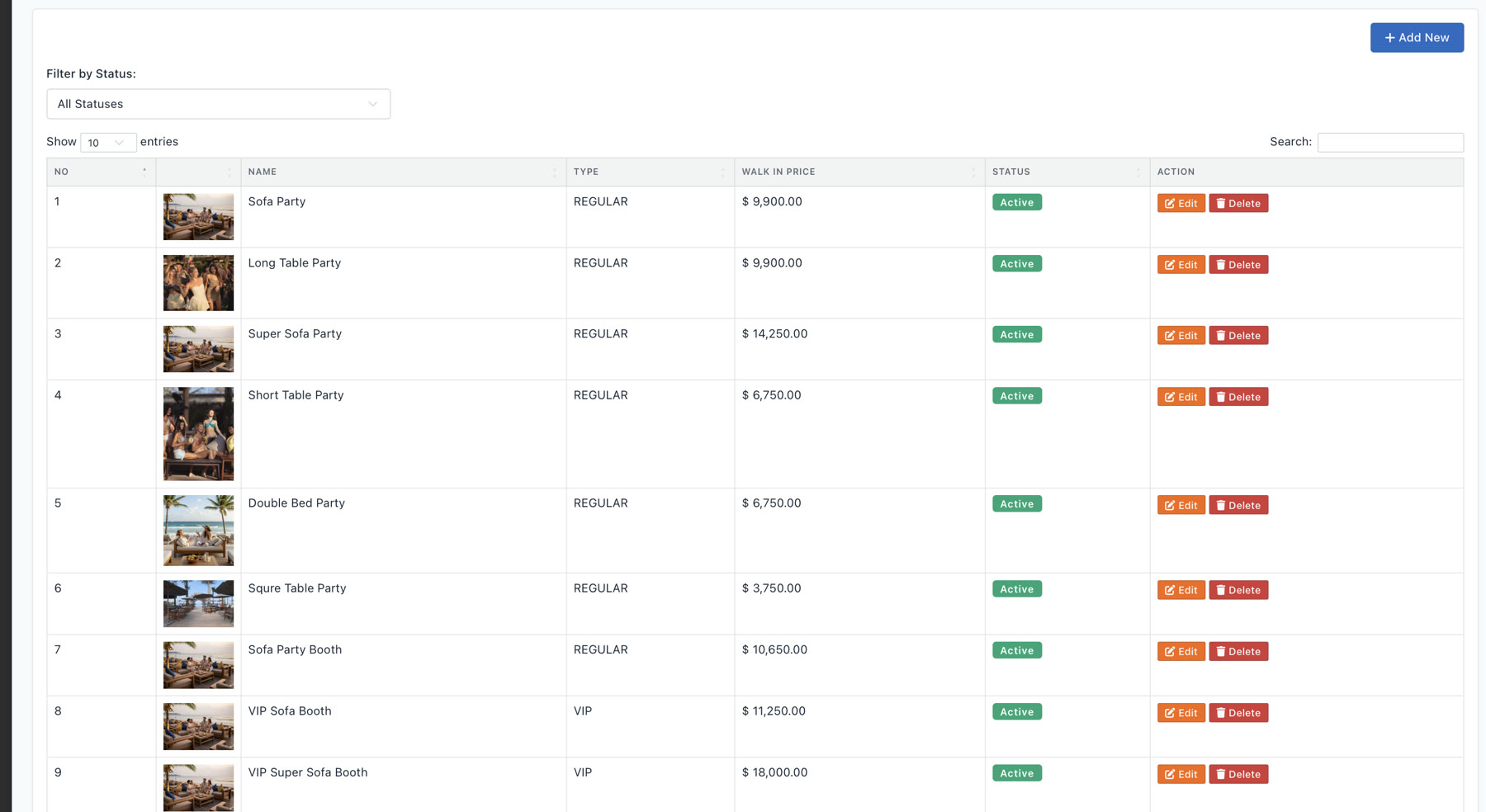
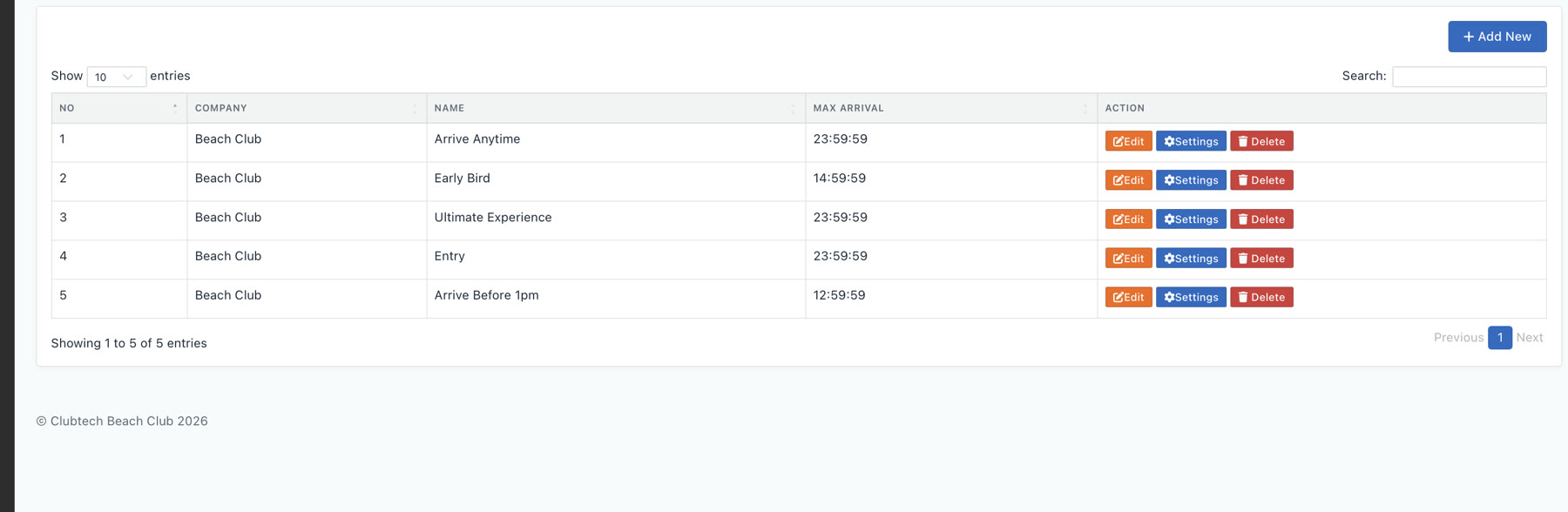
Every bed, table, sofa and booth is its own category — regular or VIP, with its own walk-in price, image and active status. Booking windows like Early Bird, Arrive Anytime and Ultimate Experience set the arrival rules. Define it once; it drives every booking, quota and report downstream.
Run allocation
from the venue map.
Pick a date and the floor loads exactly as it sells — beds, tables, cabanas and VIP backstage on your real venue layout. Block an area or a whole category in a tap, bulk-release what opens back up, and check guests in against live totals from the same operating view.
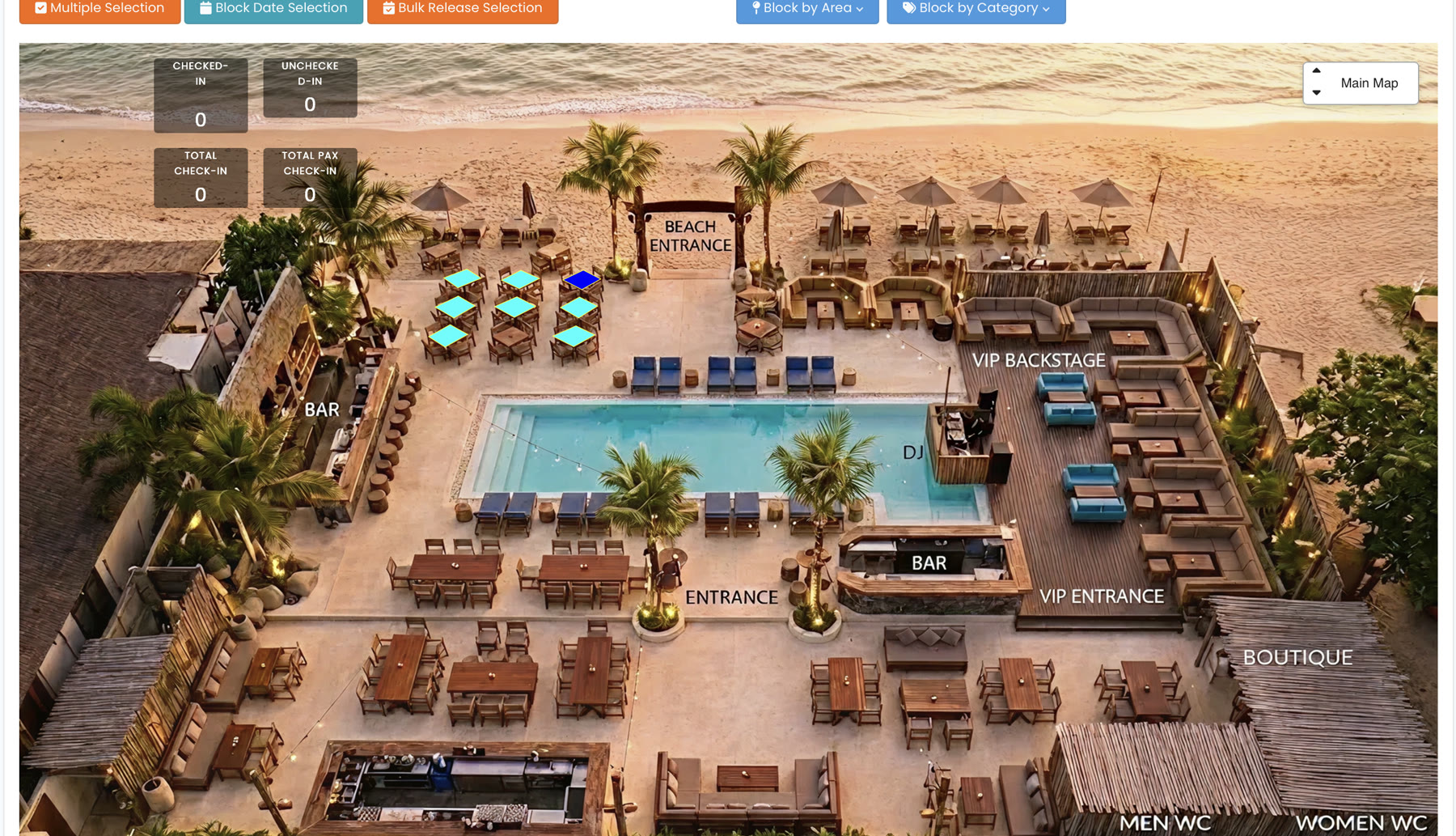
Checked-in, unchecked and total pax update on the map as the door scans guests through.
Take a zone or an entire bed class off-sale for a date, then bulk-release it when plans change.
Switch the service date and the whole floor — bookings, blocks and walk-ins — reloads with it.
Know what is booked
before the doors open.
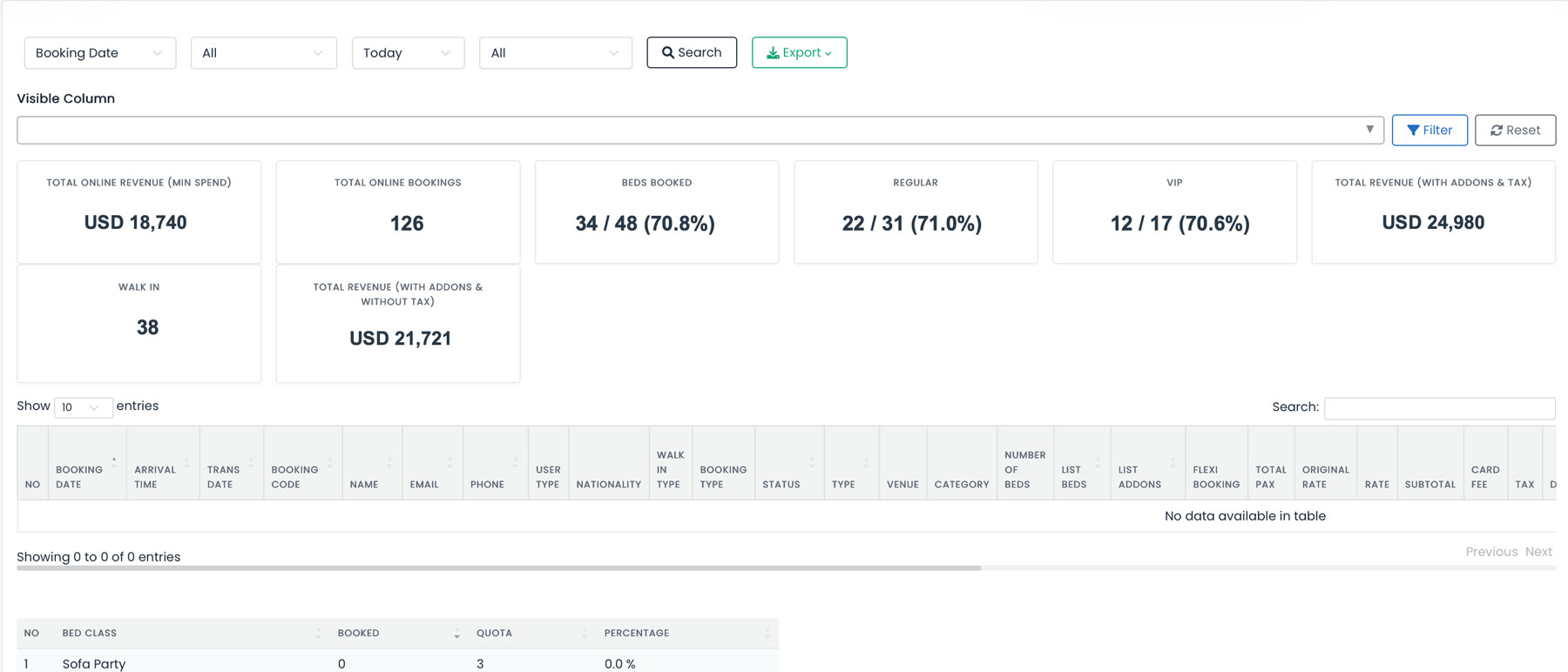
One booking list shows the whole day: beds booked against quota, the regular-versus-VIP split, walk-ins, and revenue with addons and tax. Filter by date or type, choose the columns that matter, and export it — with a per-bed-class quota table underneath so nothing oversells.
Keep promos and reports
in the same operating loop.
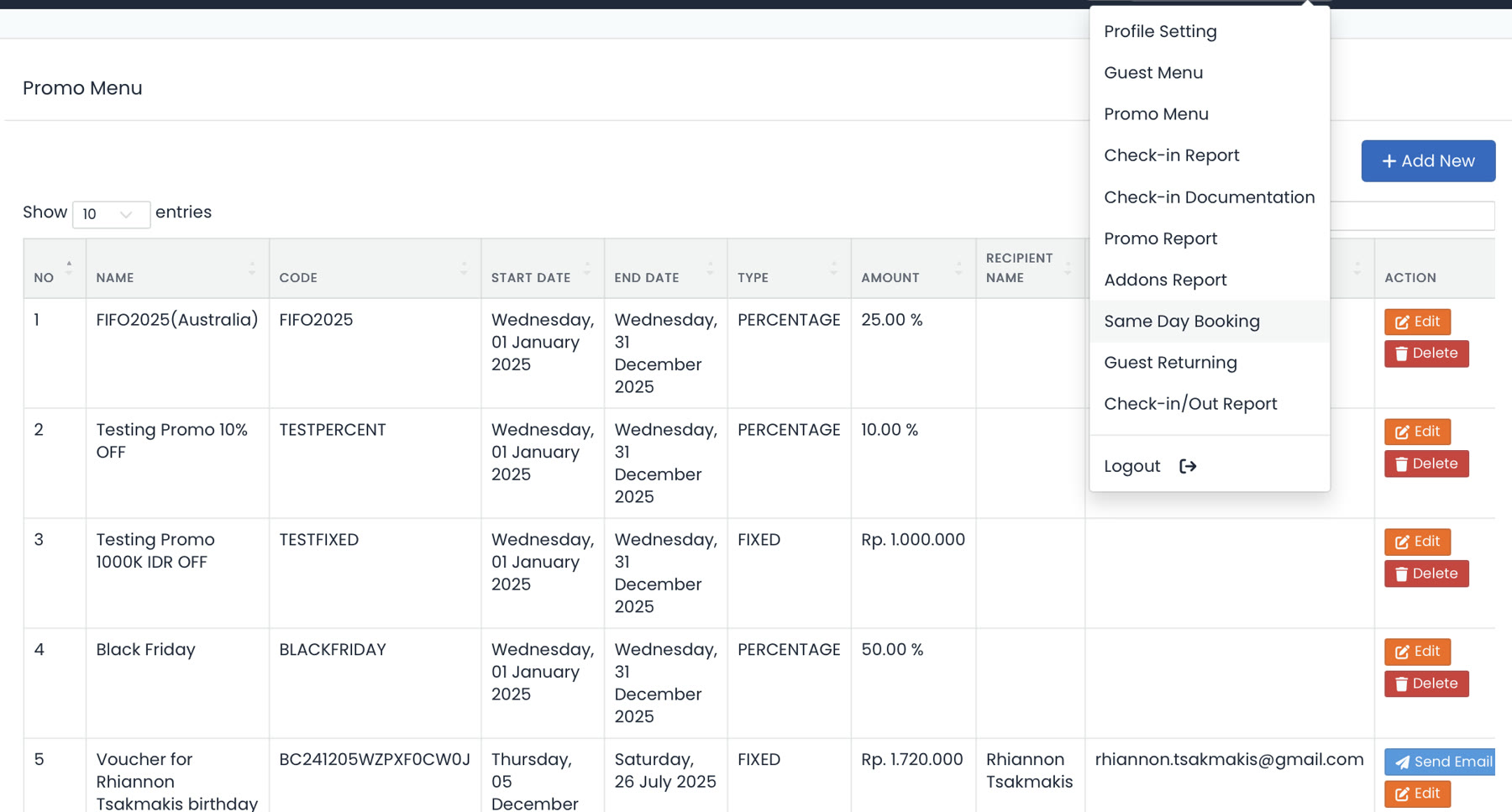
Promo codes, same-day booking and the reports your team runs after service all live one menu away from the floor — not in a separate tool nobody opens.
See operations
in your venue.
15 minutes. We'll load a venue your size — your floor, your categories, your booking rules — and run a service day through it.